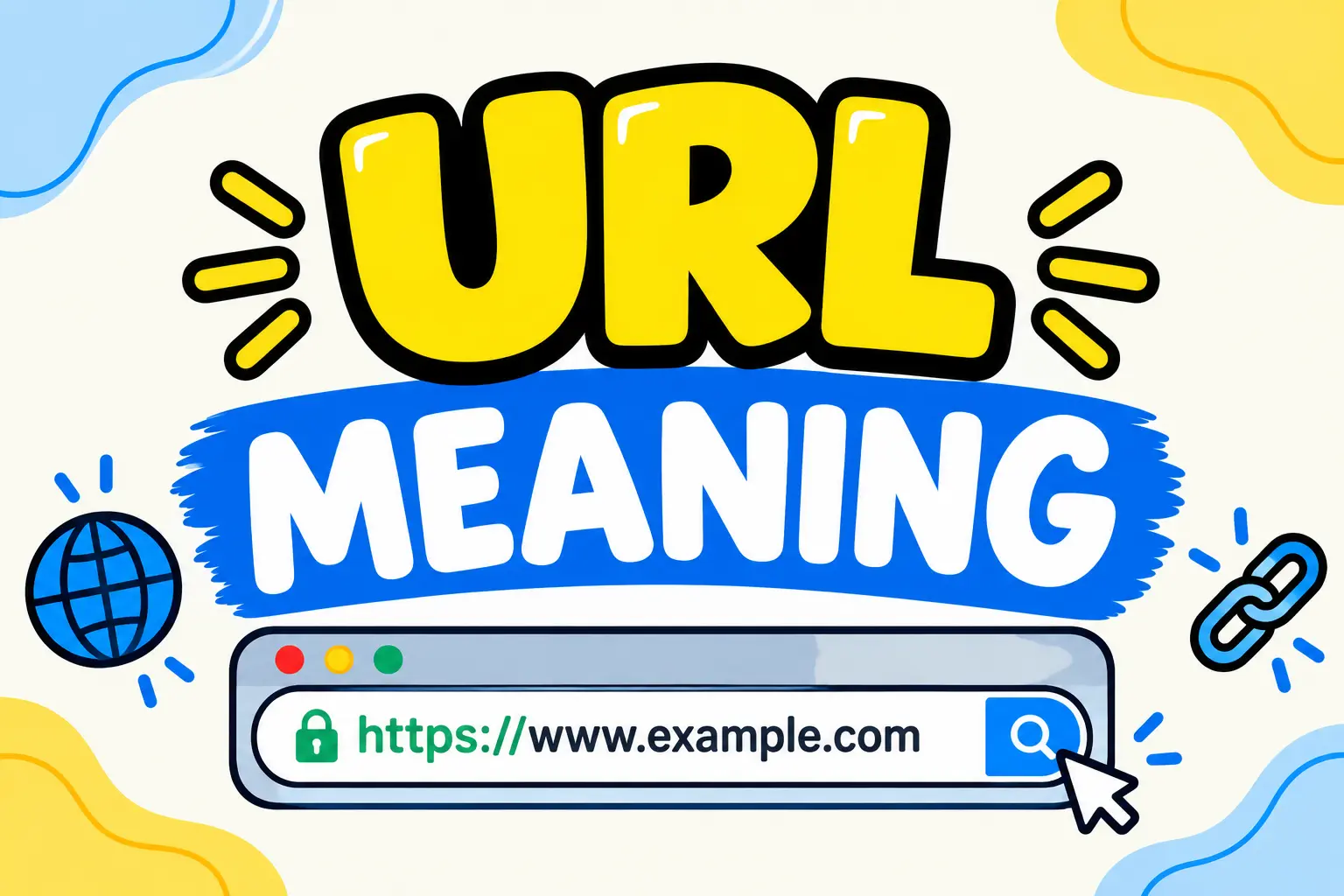
The url meaning most people are searching for is “Uniform Resource Locator” — the full web address you type or click to reach a specific page, image, file, or resource online. Every website you’ve ever visited has one, and understanding what makes it up helps explain a lot about how the internet actually finds and loads the pages you want.
This guide breaks down the full url meaning, the individual parts that make up a web address, how URLs differ from related terms like domain and URI, real examples pulled apart piece by piece, and the small mistakes people make when typing or sharing them.
Table of Contents
What Does URL Stand For? (Full Definition)
URL stands for Uniform Resource Locator. It’s the complete address used to locate a specific resource on the internet — a webpage, an image, a video, a document, or anything else hosted online. The url meaning breaks down cleanly into its three words:
- Uniform — follows a consistent, standardized format
- Resource — the specific file, page, or content being pointed to
- Locator — it tells your browser exactly where to find that resource
| Term | What It Means |
| U | Uniform — a consistent, standardized structure |
| R | Resource — the specific content being accessed |
| L | Locator — pinpoints exactly where that content lives |
| Full phrase | Uniform Resource Locator |
| Common use | Web addresses, links, file paths on the internet |
Wikipedia and Vocabulary.com both describe a URL as the standardized address format used to locate resources on the web — and that standardization is exactly why every browser, on every device, can read the same web address the same way.
The Parts of a URL Explained
Understanding the url meaning gets much easier once you break a real example into its individual pieces. Take this URL: https://www.example.com/blog/best-recipes?sort=popular#comments
| Part | Example | What It Does |
| Protocol | https:// | Tells the browser how to communicate with the server (securely, in this case) |
| Subdomain | www | A section of the main domain, often used for the main site |
| Domain name | example.com | The unique address identifying the website |
| Path | /blog/best-recipes | Points to a specific page or file within the site |
| Query string | ?sort=popular | Extra parameters, often used for filtering or tracking |
| Fragment | #comments | Jumps to a specific section within the page |
Not every URL uses all of these parts — a simple homepage link like https://example.com only needs the protocol and domain — but the url meaning always includes at least a protocol and a way to identify the resource being requested.
HTTP vs. HTTPS in URLs
One of the first things people notice about a URL is whether it starts with http:// or https://. Both indicate the protocol being used to load the page, but they aren’t the same.
| Protocol | What It Means | Security Level |
| HTTP | Hypertext Transfer Protocol | Data is sent without encryption |
| HTTPS | Hypertext Transfer Protocol Secure | Data is encrypted between browser and server |
Most modern websites use HTTPS by default, since it protects information like passwords and payment details as they travel between your browser and the website’s server. This detail is part of the url meaning worth paying attention to, especially before entering sensitive information on a site.
URL vs. Similar Terms
People often use “URL,” “domain,” “link,” and “URI” interchangeably, but each term means something slightly different.
| Term | Meaning | Key Difference |
| URL | Uniform Resource Locator | The full web address, including protocol and path |
| Domain | The unique name identifying a website | Just one part of a full URL |
| Link | A clickable element pointing to a URL | The clickable object, not the address itself |
| URI | Uniform Resource Identifier | A broader category that includes URLs as one type |
| IP Address | A numerical address identifying a server | What a domain name translates to behind the scenes |
The clearest way to remember the difference: a domain is a piece of a URL, and a URL is one specific type of URI. The url meaning is more complete and specific than any of these related terms on their own.
Real URL Examples Broken Down
Seeing a few more examples side by side makes the structure click faster.
- https://slangdock.com/asl-meaning-in-text/ — HTTPS protocol, domain “slangdock.com,” and a path pointing to a specific article
- http://192.168.1.1 — an HTTP protocol pointing directly to an IP address instead of a domain name, commonly used to access a home router’s settings
- https://mail.example.com — a subdomain (“mail”) of the main domain, often used to separate a specific service from the main website
- ftp://files.example.com/documents/report.pdf — a different protocol (FTP) used for transferring files rather than loading a webpage
Common Mistakes People Make With URLs
- Confusing URL with domain. The domain is just one section of the full URL, not the entire address.
- Assuming HTTP and HTTPS are the same. The “S” specifically indicates encrypted, more secure communication.
- Typing spaces or special characters directly into a URL. Browsers often encode these automatically, but manually typing an unencoded space or symbol can break the link.
- Forgetting that URLs are case-sensitive in the path. While domain names generally aren’t case-sensitive, the path after the domain often is, depending on the server configuration.
- Sharing a URL with tracking parameters unnecessarily. Long query strings (like ?utm_source=…) aren’t required for the page to load and can usually be trimmed for a cleaner link.
Why the URL Meaning Matters for Everyday Browsing
Understanding the url meaning isn’t just technical trivia — it helps with real, everyday internet habits. Checking for https:// before entering payment information, recognizing a suspicious domain in a phishing link, or understanding why a shortened link hides the real destination all come back to knowing how a URL is actually built. A little familiarity with the structure goes a long way toward browsing more safely and confidently.
Quick Summary: URL Meaning in One Sentence
If you only remember one thing: the url meaning is “Uniform Resource Locator” — the complete, standardized web address that tells your browser exactly where to find a specific page or file online.
Frequently Asked Questions About URL Meaning
What does URL stand for? URL stands for Uniform Resource Locator, the full web address used to locate a specific page, file, or resource on the internet.
What’s the difference between a URL and a domain? A domain is just one part of a URL — the unique name identifying a website. A full URL includes the domain plus the protocol, path, and sometimes additional parameters.
Is URL the same as a link? Not exactly. A link is the clickable element (often text or an image) that points to a URL. The URL is the actual address behind that clickable element.
Why do some URLs start with HTTP and others with HTTPS? HTTPS indicates the connection is encrypted and more secure, while HTTP sends data without that encryption. Most modern websites use HTTPS by default.
Can a URL point to something other than a webpage? Yes. URLs can point to images, videos, PDFs, downloadable files, and even email addresses using formats like mailto:.
What is a query string in a URL? It’s the part after a question mark (like ?sort=popular) that passes extra information to the website, often used for filtering, searching, or tracking.
Are URLs case-sensitive? The domain name generally isn’t case-sensitive, but the path after the domain often is, depending on how the website’s server is configured.
What’s the difference between a URL and a URI? A URI (Uniform Resource Identifier) is a broader category of identifiers, and a URL is one specific type of URI that also tells you how to locate the resource, not just identify it.
Can I shorten a URL without changing where it goes? Yes. URL shortening services create a short link that redirects to the original, longer URL — the destination stays the same, only the displayed address changes.