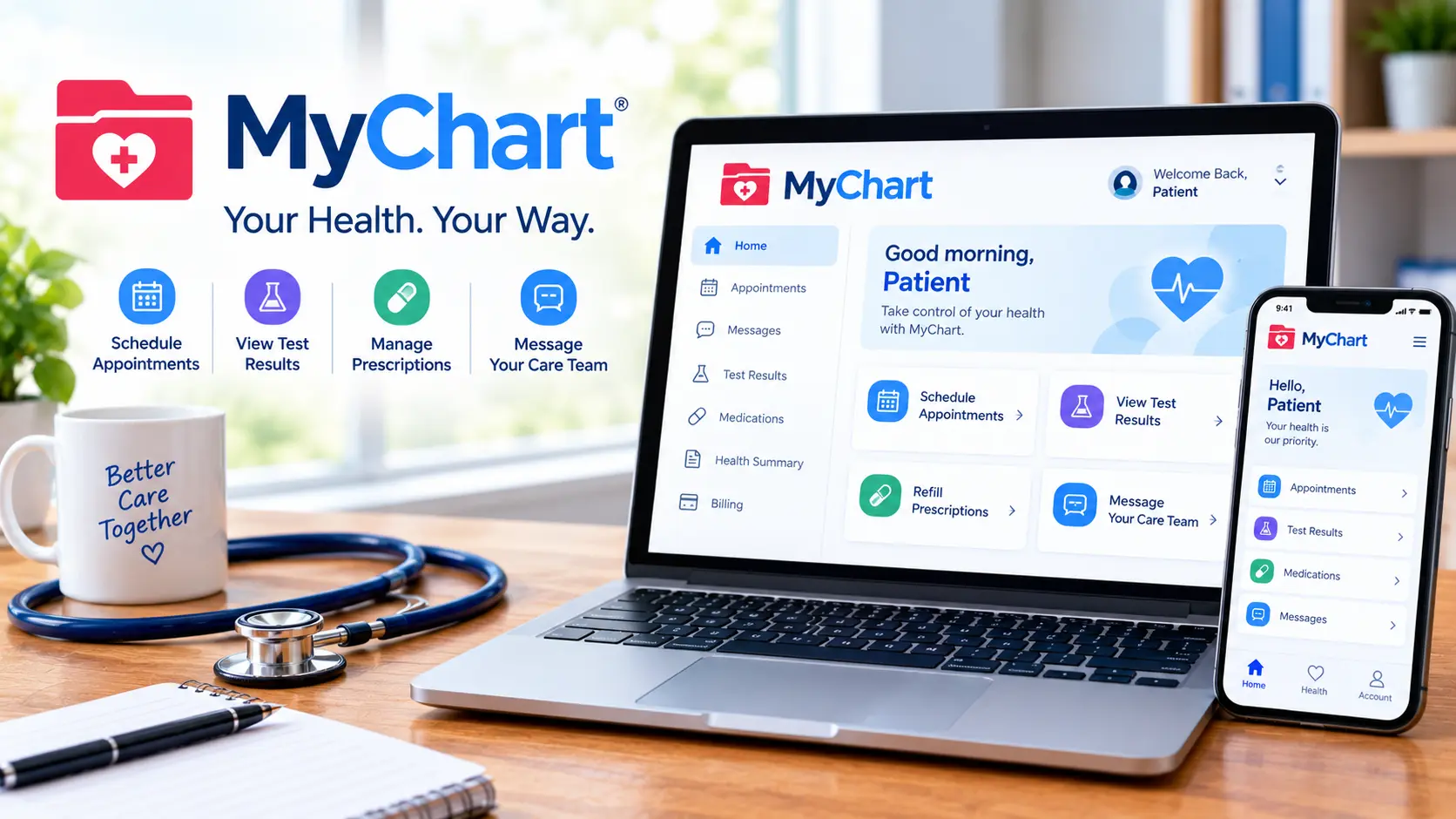
MyChart is the patient portal built by Epic Systems, used by thousands of hospitals and clinics to let patients view test results, message their care team, schedule appointments, and pay bills online. The single most important thing to understand about it: there is no universal MyChart account. Each healthcare organization runs its own version, with its own login page and its own rules. This article explains why that matters, how to find the right portal, what Epic’s new MyChart Central changes, what you can actually do inside the app, and how to fix the access problems people hit most often.
Table of Contents
MyChart at a Glance
| Detail | What to Know |
| Built by | Epic Systems Corporation |
| What it is | A patient portal connected to your provider’s electronic health record |
| Who runs your account | Your hospital or clinic — not Epic |
| Cost | Free to patients |
| Platforms | Web browser, iOS app, Android app |
| Branding | Often renamed by the health system (MyUPMC, MyMercy, and similar) |
<The portal lets you see medications, test results, upcoming appointments, medical bills, price estimates, and more in one place, even if you’ve been seen at multiple healthcare organizations.
Why There’s No Single MyChart Login
This is the number one source of frustration, and most pages skip it entirely.
<Epic MyChart is not one single hospital login. It is the patient-facing portal system used by many healthcare organizations, and your records, support, billing, proxy rules, and available features depend on your own provider.
Three practical consequences follow from that:
Your hospital controls your account. Epic writes the software; your health system operates it. Password resets, account unlocks, and record corrections all go through your provider’s support line.
Features vary by organization. One hospital may offer video visits and online scheduling for every department; another may enable only messaging and results. If a feature you read about isn’t there, your provider likely hasn’t turned it on.
The name may not say “MyChart.” Many systems rebrand it, which is why <separate apps like Trinity Health MyChart, MyUPMC, and MyMercy exist alongside the main app in the App Store. They’re the same underlying platform.
How to Find the Right mychart Portal
- Start from your hospital or clinic’s official website and look for a patient portal link. This is the safest route.
- Check the after-visit summary or billing statement — most include the portal address and an activation code.
- Use the official app and search for your organization by name or location when prompted.
- If you’ve moved or switched providers, expect a separate account at the new system until you link them (see below).
A safety note worth taking seriously: search results for portal logins attract lookalike sites built to harvest credentials. Navigate from your provider’s own site or the official app rather than clicking an unfamiliar result.
MyChart Central and Epic ID: The Big Change
Here’s the development most explainer pages haven’t caught up on. Epic is rolling out a system to solve the many-accounts problem.
<MyChart Central lets patients use a single Epic-issued ID to connect their MyChart records across different providers. According to Seth Hain, Epic’s senior vice president of R&D, patients will be able to have one login that pulls their health data together from multiple different sites of care and use that login consistently across organizations.
<The feature also makes it easier for patients to connect apps and devices to their complete medical record.
What this means for you in practice:
- You may be prompted to create an Epic ID, which sits above your individual hospital accounts rather than replacing them.
- Your individual provider accounts still exist. Your hospital still controls the records inside each one.
- Linking records across systems becomes a patient-driven action instead of a records-request process.
If you’ve seen “Epic ID” appear at a login screen and assumed it was a phishing attempt, that’s the explanation.
What You Can Actually Do in MyChart
| Feature | What It Does |
| Test results | View labs and imaging results, often before your appointment |
| Messaging | Send non-urgent questions to your care team |
| Appointments | Schedule, reschedule, or cancel where enabled |
| E-check-in | Complete forms, verify insurance, and pay copays before arriving |
| Prescriptions | Request refills and view your medication list |
| Billing | View statements, estimates, and make payments |
| Video visits | Join telehealth appointments directly from the portal |
| Proxy access | Manage a child’s or dependent adult’s account |
| Immunizations | View and download vaccination history |
<Electronic check-in in particular saves time at the appointment itself, since forms, insurance verification, information updates, and copays are all handled beforehand.
Results Arriving Before Your Doctor Calls
This catches people off guard constantly. Federal information-blocking rules mean many results now post to the portal as soon as they’re finalized, which can be before your provider has reviewed them or had a chance to explain.
Two things help. First, an abnormal flag is not a diagnosis — reference ranges are population averages and single values are routinely out of range in healthy people. Second, if a result worries you, send a portal message rather than searching symptoms; your care team can put the number in context far faster than the internet can.
Common MyChart Problems and How to Fix Them
| Problem | What’s Usually Going On |
| Forgot password | Reset through your provider’s portal — Epic cannot reset it for you |
| Activation code expired | Codes are time-limited; call the clinic for a new one |
| Wrong organization | You’re at a different health system’s portal with the same brand name |
| Missing records | Records from another health system don’t transfer automatically |
| Can’t see a child’s account | Proxy access often changes or ends at a state-specific age |
| App won’t connect | The app needs your specific organization selected first |
| Duplicate accounts | Common after a name change, marriage, or registration typo |
On proxy access specifically: many parents are surprised when access to a teenager’s account narrows or disappears. That’s not a glitch. Adolescent confidentiality laws vary by state, and health systems configure proxy rules to match local law. The clinic’s medical records office can explain what’s available in your state.
Common Mistakes People Make
- Using the portal for emergencies. Messages are handled during business hours. Urgent symptoms need a phone call or emergency care, not a portal message.
- Assuming records follow you. Seeing a specialist outside your health system means a separate account unless the records are linked.
- Expecting Epic to provide support. Epic builds the software; your provider runs your account.
- Panicking over an abnormal flag. Out-of-range values are common and often clinically meaningless on their own.
- Logging in through a search result. Go through your provider’s site or the official app instead.
- Sharing one account between spouses. Each adult needs their own login; shared accounts mix records and create real safety risks.
How MyChart Compares to Other Patient Portals
| Portal | How It Differs from mychart |
| FollowMyHealth | Used by organizations on different EHR platforms, with its own account system |
| HealtheLife | The patient portal tied to Oracle Health (formerly Cerner) systems |
| MyHealthONE | HCA Healthcare’s own patient portal |
| Apple Health Records | Aggregates records from multiple providers, but doesn’t replace portal messaging or scheduling |
| Athenahealth portal | Common at independent practices rather than large hospital systems |
Which one you use isn’t a choice you make — it depends entirely on which software your provider bought.
Quick Summary
MyChart is Epic’s patient portal, operated separately by each hospital or clinic that uses it. That’s why there’s no universal login, why features differ between providers, and why password help comes from your health system rather than Epic. Inside, you can view results, message your care team, schedule visits, check in ahead of time, and handle billing. Epic’s MyChart Central and Epic ID are now rolling out to let one login connect records across multiple organizations, which addresses the long-standing problem of scattered accounts.
MyChart FAQs
What is mychart used for? It’s a patient portal for viewing test results, messaging your care team, scheduling appointments, checking in ahead of visits, managing prescriptions, and paying medical bills.
Is there one universal login? No. <Each healthcare organization runs its own portal, and your account, support, and available features depend on your provider. MyChart Central is Epic’s effort to link those separate accounts under one ID.
Who resets my password? Your healthcare organization. <Epic cannot reset it — contact your provider’s portal support line.
Does it cost anything? Access is free to patients. Some providers bill for certain detailed medical advice messages, which is disclosed before you send.
Why can I see results before my doctor explains them? Results often post as soon as they’re finalized. An out-of-range value isn’t a diagnosis, and your care team can put it in context.
What is Epic ID and MyChart Central? <A single Epic-issued login that connects your records across different providers, so you aren’t managing a separate account for every health system.
Can I manage my child’s account? Usually yes, through proxy access. Rules change as a child reaches adolescence, based on state confidentiality laws.
Why don’t my records from another hospital show up? Records don’t transfer automatically between separate health systems. Linking accounts or requesting a records transfer is what connects them.
Is the app the same as the website? Functionally yes, though you’ll need to select your organization in the app before logging in.
How do I know I’m on the real site? Navigate from your provider’s official website or use the official app rather than clicking search results, since lookalike login pages exist.