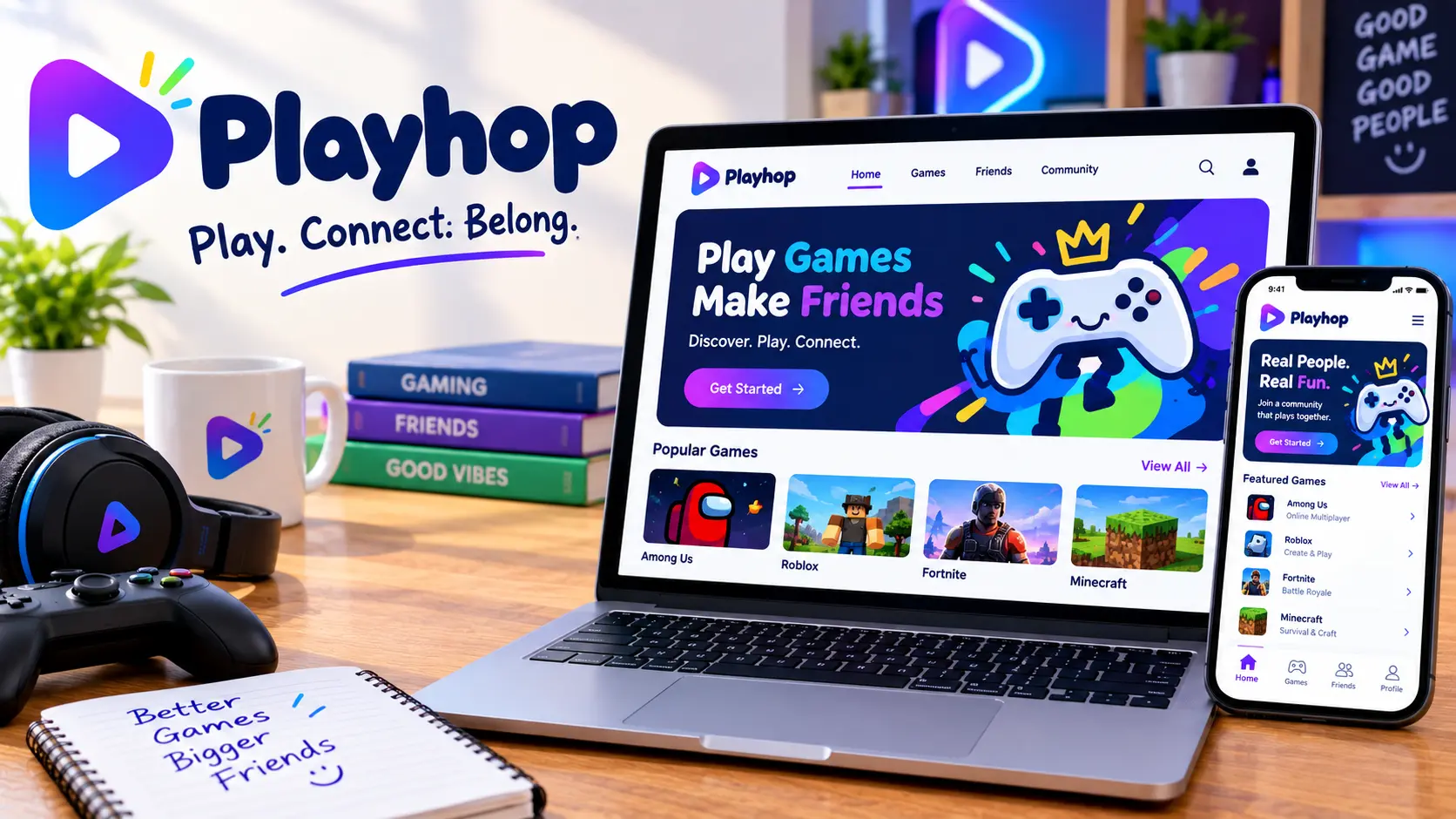
Playhop is a browser-based gaming platform that lets you play hundreds of games directly in a web browser with no download and no account required. It’s built around HTML5 titles, meaning the games run instantly through the page itself rather than through installed software. This article covers how the platform actually works, why there are so many different “Playhop” websites floating around, whether it’s safe to use on a school or work device, and what to check before clicking into any version of it.
Table of Contents
Playhop at a Glance
| Detail | What to Know |
| What it is | A browser-based platform for free HTML5 games |
| Download required | No — games load directly in the browser |
| Account required | No, for most games; optional for progress-saving |
| Game types | Action, puzzle, racing, arcade, multiplayer, casual |
| Devices | Works on phones, tablets, Chromebooks, and desktops |
| Cost | Free, typically ad-supported |
Playhop is a browser-based platform, giving you the freedom to unlock plenty of games online without downloading anything, and it’s compatible with mobile phones, computers, laptops, and iOS devices.
How Playhop Actually Works
Understanding the mechanics clears up most of the confusion people have.
No installation step. Selecting a game opens it directly in your browser, allowing you to start playing within seconds, since it doesn’t require software installation for browser games. That’s the entire appeal: no waiting on a 40 GB download, no patch notes, no storage warnings.
Accounts are optional. Creating an account is optional, since visitors can play many games without signing in. Users who register can unlock features like saving progress across devices, personalized recommendations, and profile settings.
Recommendations personalize over time. The platform uses a recommendation system that suggests games based on playing history, refining suggestions the more time you spend on it.
Works on shared and restricted devices. This browser-first approach is especially convenient for players using shared computers, school devices, or work laptops where software installation may not be possible. That’s also exactly why the platform shows up so often in searches from school networks.
Why There Are So Many Different Playhop Websites
This is the part almost no explainer covers clearly, and it’s the most useful thing to know before clicking anything.
Search “playhop” and you’ll land on more than one domain — playhop.com, and various lookalikes with different endings and names built around the same brand. This happens with almost every popular browser-gaming term, because building a similar-looking site to ride an existing search term is cheap and common in this niche.
That doesn’t automatically mean every version is unsafe, but it does mean you should treat the domain itself as information. A few practical checks:
- Look at the actual URL, not just the page title. A site claiming to be Playhop with an unfamiliar extension is not the same operator as the main site.
- Be cautious with ad-heavy pages. Free browser-gaming sites monetize through ads, and a much heavier ad load than usual is often a sign of a lower-effort clone.
- Don’t enter personal information on a version you’re not confident about, even if it only asks for an email to “save progress.”
- Progress and accounts don’t transfer between different domains using the same name, since they’re run separately.
Is Playhop Safe to Use?
For the core experience — browsing and playing games in a browser — the risk profile is similar to any ad-supported gaming site: mostly fine, with a few things worth knowing.
No account is required to play, so younger players never submit personal data on platforms built this way, which is a real safety advantage over apps that require sign-up and personal details up front.
The more common complaints aren’t about data safety so much as usability. One recurring frustration among reviewers: accidentally clicking an ad can redirect to another website and reset in-progress game data, which is an annoyance rather than a security risk, but worth expecting going in.
Quick Safety Checklist
| Check | Why It Matters |
| Confirm the domain before playing | Avoids lookalike sites riding the same name |
| Avoid entering personal details on unfamiliar versions | Limits exposure if a clone site is poorly run |
| Expect ads on free titles | Standard monetization model for browser games |
| Don’t download anything the site prompts you to install | Legitimate browser games never require a download |
| Use school or parental filters if relevant | Content varies by title, so filtering still matters for younger kids |
Why Playhop Is Popular on School and Work Devices
The browser-only design solves a specific, common problem. It’s especially convenient for players using shared computers, school devices, or work laptops where software installation may not be possible, since most managed devices block new program installs but can’t practically block every web page.
This is also why the term shows up constantly alongside “unblocked games” searches. Nothing about Playhop itself is inherently about bypassing school networks; it’s simply that browser-based games are the category of game that still works when installation is locked down.
What Kinds of Games Are on Playhop
The platform includes full series of popular titles across genres — fast-paced action, puzzle games, racing, and multiplayer battles, with new titles added regularly. Common categories include:
- Action and arcade
- Puzzle and brain games
- Racing and driving
- Multiplayer and local two-player titles
- Casual and relaxing games
- Simulation and lifestyle games
Most games load within seconds and run using WebGL or HTML5, the same browser technology behind most modern web-based games, rather than older Flash-based systems that browsers no longer support.
Multiplayer and Social Features
One thing many people don’t expect from a browser gaming site: real multiplayer, not just single-player titles reskinned to look social. Some platforms let players connect through real-time multiplayer sessions and leaderboard competition, tracking high scores and letting friends join a session directly through a shared link rather than a traditional friend-list system.
That matters for a specific use case — a quick multiplayer round during a break, with no lobby setup, no account creation, and no waiting for friends to install anything. The link-based approach removes the biggest friction point in casual online gaming, which is getting everyone into the same session at the same time.
Local two-player games also show up often in the catalog, which matters on devices without split-screen support built in. Two people sharing one keyboard on a laptop is a low-tech solution, but it works, and it’s part of why these platforms remain popular for casual, low-stakes play between friends or siblings.
How to Get the Best Experience
A few practical habits make a real difference in how smooth a session feels:
- Use an updated browser. HTML5 and WebGL games run best on current versions of Chrome, Firefox, Safari, or Edge. Older browser versions can cause lag or broken controls.
- Check your connection before multiplayer games. Since nothing is downloaded locally, a weak connection affects gameplay more than it would in an installed game.
- Close unused browser tabs. Browser games share system resources with everything else open, so a dozen background tabs can visibly slow performance.
- Bookmark the exact URL you trust. Given how many similarly named sites exist, saving the specific link you’ve verified avoids landing on a different domain next time.
- Clear cache if a game won’t load. A stuck loading screen is often a browser cache issue rather than a problem with the game itself.
Common Mistakes People Make
- Assuming every “Playhop” site is the same operator. Different domains using the name are run independently, with different ad practices and content standards.
- Expecting saved progress to carry over between devices without an account. Progress-saving requires signing in; guest play doesn’t sync anywhere.
- Clicking ads by accident and assuming the game is broken. Ad redirects are a known annoyance, not a malfunction.
- Downloading anything the site suggests installing. A legitimate browser-gaming platform never requires a download to play its games.
- Assuming younger kids need no supervision at all. No sign-up requirement reduces data risk, but content still varies by title.
Similar Browser Gaming Platforms
| Platform | How It Compares to Playhop |
| Poki | Large HTML5 game library with a similar no-download model |
| CrazyGames | Comparable browser catalog, strong multiplayer selection |
| Y8 | One of the older browser gaming sites, broad but dated catalog |
| Miniclip | Mix of browser games and mobile app tie-ins |
| Coolmath Games | Narrower, puzzle-and-logic focus, popular in school settings |
The category as a whole exists for the same reason Playhop does: instant access without installation, which matters most on devices where installing anything new isn’t an option.
Quick Summary
Playhop is a free, browser-based gaming platform offering HTML5 games across action, puzzle, racing, and multiplayer genres, with no download and no required account. Its biggest practical advantage is working on locked-down devices like school Chromebooks, which is also why it shows up constantly in unblocked-games searches. The main thing to watch for isn’t the platform’s core design but the number of similarly named domains circulating online — checking the actual URL before playing is the simplest way to avoid a lower-quality clone.
Playhop FAQs
What is playhop? It’s a browser-based platform offering free HTML5 games that run directly in a web browser, with no download or account required to play.
Do I need to create an account to play? No. Most games are playable as a guest. An account only unlocks saved progress across devices and personalized recommendations.
Is playhop free? Yes, it’s free to play and typically supported by ads rather than purchases.
Why are there multiple different playhop websites? Popular browser-gaming names attract lookalike sites built to capture the same search traffic. Always check the actual domain before entering any information.
Is it safe for kids to use? Since no personal data is required to play, the core risk is lower than apps requiring sign-up. Content still varies by game, so age-appropriate supervision still matters.
Why does playhop work on school computers when other games don’t? Because it runs entirely in the browser with no installation step, it isn’t blocked by device restrictions that prevent installing new software.
Does progress save automatically? Only if you’re signed in. Guest play doesn’t sync progress between sessions or devices.
What should I do if an ad redirects me to another site? Close the tab and return to the game. It’s a known nuisance with ad-supported browser games rather than a sign of a compromised device.
Can I play on a phone? Yes. Most titles are designed to work across phones, tablets, and desktops, though controls vary by game.
Is playhop the same as an app I’d download from an app store? There’s a separate mobile app version in addition to the browser site, but the core browser experience requires no installation at all.